
How to Patch PHP2Shell on VMs, Container Images and Kubernetes
PHP2Shell is being exploited in the wild. Here is how to patch PHP on Debian, Ubuntu and RHEL servers, rebuild your container images, roll the fix out across Kubernetes, and prove it is actually running.

6 min read
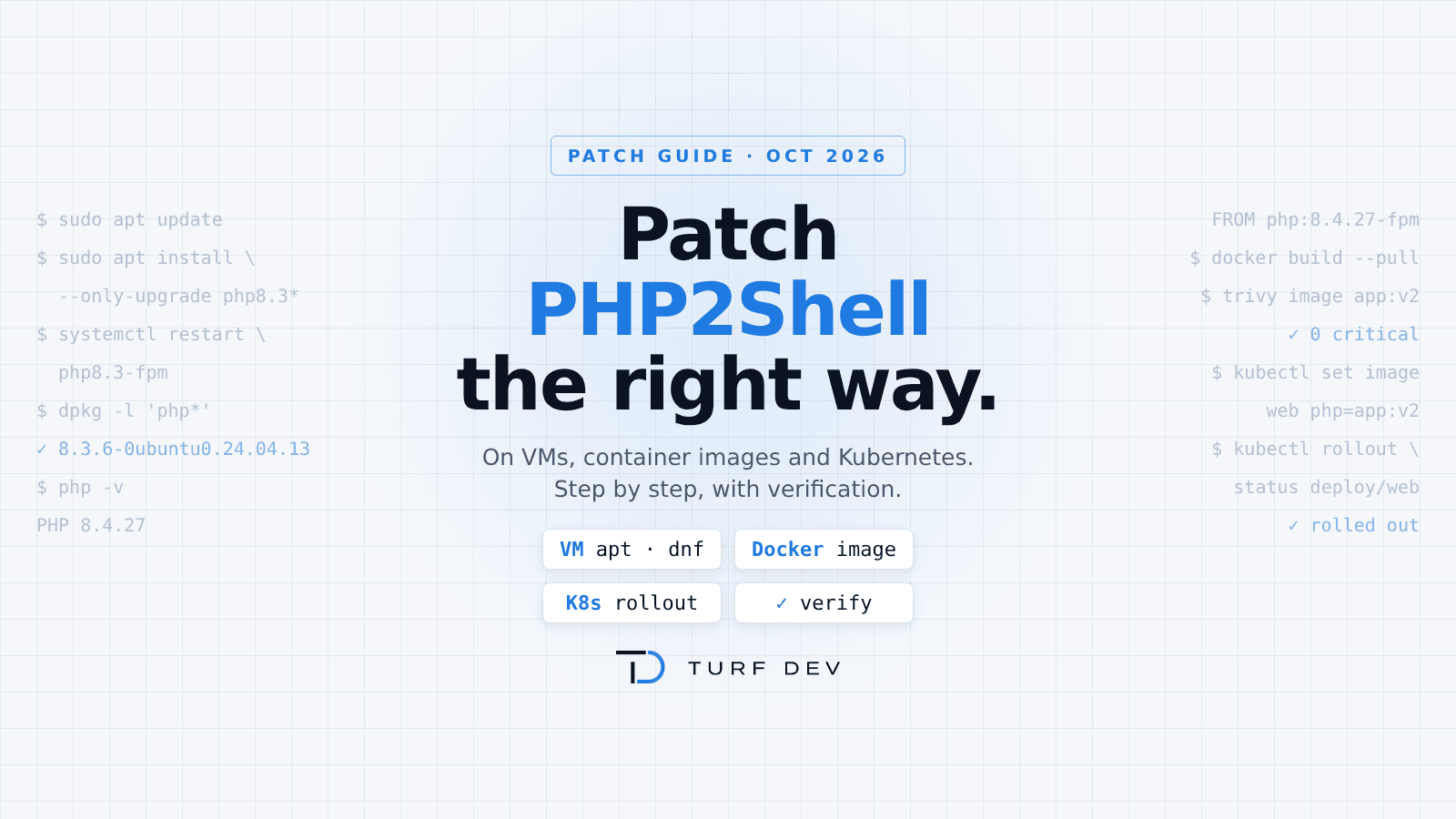
PHP2Shell (CVE-2026-109618 and CVE-2026-109619) is being exploited in the wild, and the only complete fix is a patched PHP. This guide shows how to patch it on a VM, in a container image and across a Kubernetes cluster, and how to prove the fix is actually running.
If you missed the background, read our breakdown of the October 2026 2Shell attacks first.
Before you start: what “patched” means
Key point: A patched PHP only protects you once the fixed package is installed and every PHP process has been restarted.
The fixed upstream releases are PHP 8.5.12, 8.4.27, 8.3.36 and 8.2.35. Two things trip teams up:
- Distro version numbers don’t change. Debian, Ubuntu and RHEL backport the fix into their own builds. A patched Ubuntu 24.04 server still reports PHP 8.3.6, so check the package release, not just the PHP version.
- Installing the package is not enough. PHP-FPM workers, Apache children and LiteSpeed processes keep the old code in memory until you restart them.
PHP 7.4, 8.0 and 8.1 are end-of-life. Limited backports exist, but the durable fix is moving to a supported branch.
Part 1: Patch PHP on a VM
In short: Upgrade the PHP packages → restart PHP-FPM and Apache → check the package release.
Debian and Ubuntu
Step 1: Refresh the package lists.
sudo apt updateStep 2: Upgrade every installed PHP package.
sudo apt install --only-upgrade $(dpkg -l 'php*' | awk '/^ii/{print $2}')Step 3: Restart PHP-FPM.
sudo systemctl restart 'php*-fpm.service'Step 4: Restart Apache, if you use mod_php.
sudo systemctl restart apache2Step 5: Check the installed package releases.
dpkg -l 'php*' | grep ^iiCompare the release against the fixed version for your distro:
- Debian 12 (php8.2): 8.2.35-1~deb12u1 or later
- Debian 13 (php8.4): 8.4.27-1~deb13u1 or later
- Ubuntu 24.04 (php8.3): 8.3.6-0ubuntu0.24.04.13 or later
- Ubuntu 22.04 (php8.1): 8.1.2-1ubuntu2.28 or later
Ubuntu 20.04, Ubuntu 18.04, Debian 10 and Debian 11 do not get the fix through a normal upgrade. Use Ubuntu Pro, Debian ELTS or a trusted third-party build, or plan the OS upgrade now.
If you install PHP from the Ondřej Surý repositories, the same commands apply, and the PHP version shows the upstream release (for example 8.4.27).
RHEL, AlmaLinux and Rocky Linux
Step 1: Check that a fix is available for your module stream.
sudo dnf updateinfo list --cve CVE-2026-109618Step 2: Upgrade every installed PHP package.
sudo dnf upgrade 'php*'Step 3: Restart PHP-FPM and Apache.
sudo systemctl restart php-fpm httpdRun the Step 1 command again after upgrading. Nothing should be listed for your installed packages.
Verify on the VM
Debian/Ubuntu: the package changelog should list both CVEs. Swap in your PHP package name.
apt changelog php8.3-fpm | grep CVE-2026-10961RHEL family: this should return nothing for your installed packages.
dnf updateinfo list --cve CVE-2026-109618Restart check: PHP-FPM workers should show a start time after your upgrade. Use php-fpm instead of php-fpm8.3 on RHEL.
ps -o lstart,cmd -C php-fpm8.3Part 2: Patch the container image
In short: Use a fixed base image → rebuild → verify the PHP version → push with a new tag.
Official PHP images
Bump the base image in your Dockerfile to a fixed tag:
- PHP 8.5: php:8.5.12-fpm
- PHP 8.4: php:8.4.27-fpm
- PHP 8.3: php:8.3.36-fpm
- PHP 8.2: php:8.2.35-fpm
The same versions apply to the -apache, -cli and -alpine variants. Your Dockerfile’s first line becomes:
FROM php:8.4.27-fpmFor production, pin the digest so every build uses exactly this image. Get the digest:
docker buildx imagetools inspect php:8.4.27-fpm --format '{{.Manifest.Digest}}'Then use it in your Dockerfile:
FROM php:8.4.27-fpm@sha256:<digest>Images that install PHP with apt, dnf or apk
If your Dockerfile installs PHP from distro packages, a normal build reuses the cached layer and keeps the old PHP. Rebuild without cache so the package manager pulls the fixed build:
docker build --pull --no-cache -t registry.example.com/web:2026-10-28 .Verify the image
Check the PHP version inside the image. Use php-fpm -v if the image has no PHP CLI.
docker run --rm registry.example.com/web:2026-10-28 php -vScan the image with Trivy:
trivy image registry.example.com/web:2026-10-28Or scan it with Docker Scout:
docker scout cves registry.example.com/web:2026-10-28Watch out: Scanner databases can lag behind vendor fixes, so a clean scan is not proof on its own. Always check the PHP version too.
Push the image with a new, unique tag:
docker push registry.example.com/web:2026-10-28Important: Reusing latest or an old tag is the most common reason a “patched” cluster keeps running vulnerable pods.
Part 3: From Docker to Kubernetes — roll out the patched image
Key point: A patched image in your registry protects nothing until every pod is running it. In Kubernetes you must update the workload, wait for the rollout, and verify inside the running pods.
Step 1: Find every PHP workload. List all running images, then look for PHP base images and your PHP apps. Include CronJobs, Jobs, init containers and sidecars, not just Deployments.
kubectl get pods -A -o jsonpath='{..image}' | tr ' ' '\n' | sort -uStep 2: Update the image. With GitOps or Helm, commit the new tag to your manifests or values file. For a quick manual change:
kubectl set image deployment/web php=registry.example.com/web:2026-10-28 -n prodStep 3: Watch the rollout. This waits until every new pod is ready.
kubectl rollout status deployment/web -n prodStep 4: Verify inside a running pod. It should show the fixed version, or the patched distro build.
kubectl exec -n prod deploy/web -- php -vStep 5: Make sure no old pods remain. Run the Step 1 command again and confirm the old tag is gone from every namespace.
Step 6: Rotate secrets.
Don’t skip this: PHP2Shell leaks process memory. If a workload was exposed before you patched, rotate its database passwords, API keys and session secrets.
If you rely on a mutable tag, set imagePullPolicy: Always and restart the deployment:
kubectl rollout restart deployment/web -n prodA unique tag per build is still the safer habit.
Can’t patch today?
Remember: These settings only buy time. They are not a fix. Patch as soon as you can.
Set them in php.ini or the FPM pool, then restart every worker:
- session.upload_progress.enabled = 0 (addresses only the session path of CVE-2026-109619)
- post_max_size = 8M, with upload_max_filesize below it
- pm.max_requests = 1 for PHP-FPM, if you can afford the overhead
- Restrict public access to the service, or put it behind a WAF that blocks oversized requests
Quick checklist
- Every VM shows a fixed package release, and PHP services were restarted after the upgrade
- Every Dockerfile uses a fixed base tag, or was rebuilt with no cache
- New images were pushed with unique tags
- Every Deployment, StatefulSet, CronJob and sidecar runs the new image
- PHP inside a running pod shows the fixed version
- Secrets were rotated on anything exposed before the patch
How Turf Dev can help
Patching one host is easy. Knowing that every VM, image and pod in your estate is on the fixed build is the hard part.
Turf Dev runs Kubernetes and cloud security audits for teams shipping to production: image and runtime inventory, vulnerable-image detection, CIS Benchmark checks and a rescan to prove the fix landed. If you want a second pair of eyes on your PHP2Shell rollout, reach out at turfdev.in.
1 of 4 sections shown
Discussion
Have a question or something to add? Share it below.
No comments yet. Be the first to join the discussion.